The Home Lab Setup That Actually Helps You Interview
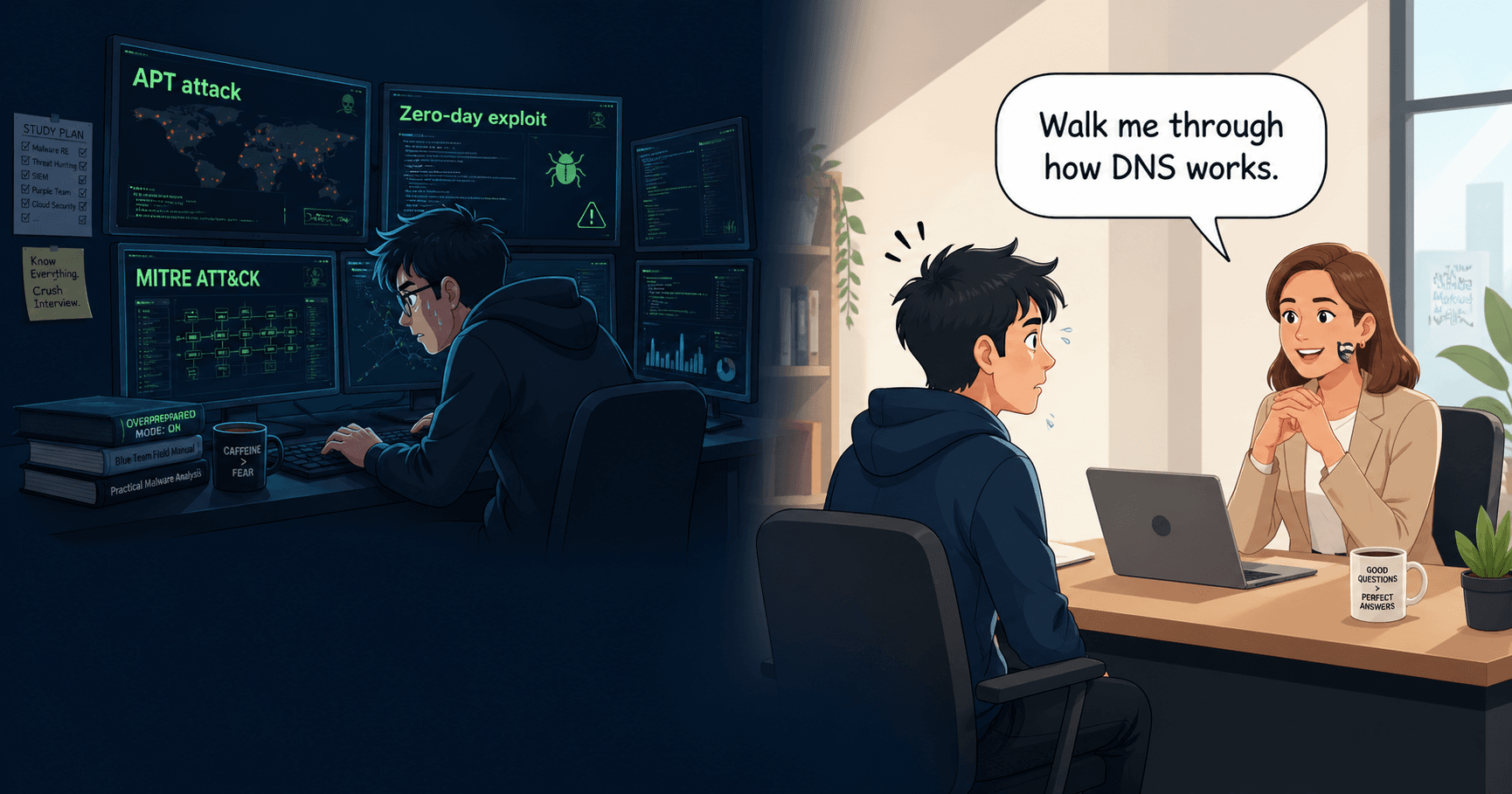
The best kind of interview answer starts with "I set this up in my lab last weekend."
A candidate explaining Kerberoasting who walks through the exact attack she ran, the service account she created, the ticket she requested, and what appeared in the Windows Security event log, is giving a fundamentally different answer than one reciting a definition. She could describe both the attack and the detection artifacts because she had seen both sides. That specificity is what gets offers.
That is the difference a home lab makes. Not because it teaches you things you cannot learn from books, but because it gives you specificity. Interviewers can tell immediately whether a candidate has investigated real telemetry or is describing a theoretical process they read about.
This guide is organized by the interview skills a home lab builds, not by the tools you install. Every section ends with what the exercise teaches you for interviews.
Skill: investigating alerts with real data
The most important thing your lab needs is realistic telemetry. A single Kali VM with no victim machines does not generate anything meaningful to investigate.
The setup:
- A Windows 10 or 11 VM as a workstation (this is where most endpoint alerts originate in real SOC environments)
- A Windows Server VM configured as an Active Directory domain controller
- A Linux VM running your monitoring stack
- Kali or a similar attacker machine for generating events
Free virtualization options work fine. VirtualBox or VMware Workstation Player, with 16GB of RAM on the host, can run this configuration. Windows evaluation licenses from Microsoft's Evaluation Center expire but work for lab purposes.
The monitoring layer: Security Onion is the single most valuable tool you can add. It bundles network intrusion detection (Suricata), log analysis (Elasticsearch and Kibana), and full packet capture into one open-source platform. Route your lab traffic through it.
What to practice: Attack your Windows VM from Kali. Then switch roles and investigate what Security Onion captured. Build queries to reconstruct what happened, in what order, across which systems. Practice building timelines from the alerts, network events, and host logs.
What this teaches you for interviews: When an interviewer asks "How would you investigate a suspicious process?", you will describe a real investigation you performed, not a theoretical workflow. That specificity is what SOC analyst interview preparation is really about.
Skill: understanding Active Directory attacks and their artifacts
Active Directory is present in the vast majority of enterprise environments. Understanding both how it works and how attackers abuse it is genuinely useful across SOC, incident response, and pentesting tracks.
The exercise sequence:
- Set up a domain with a DC, a member server, and a workstation.
- Create user accounts with realistic privilege levels: standard users, a service account with an SPN, and a domain admin.
- Run common AD attack techniques from your attacker machine: password spraying, Kerberoasting, pass-the-hash, BloodHound enumeration.
- After each attack, switch to your SIEM and investigate. What events were generated? Which event IDs? What would a defender see?
BloodHound CE (Community Edition) is free and worth running against your lab AD. It visualizes attack paths and helps you understand why certain configurations are risky. When an interviewer asks about AD security, being able to reference specific attack paths you have explored makes your answer concrete.
What this teaches you for interviews: The bidirectional understanding of attacks and their detection artifacts. When someone asks how you would detect Kerberoasting, you can describe the specific authentication events and encryption patterns you have actually seen in your logs. That specificity stands out.
Skill: writing and explaining SIEM queries
One of the most underrated interview skills. Many candidates can describe what they would look for in logs. Fewer can construct the query to find it.
The setup: Splunk offers a free version limited to 500MB daily ingestion, which is sufficient for a lab. Forward Windows event logs using the Universal Forwarder. Alternatively, if you are already running Security Onion, you have Kibana.
Practice exercises:
- Find all failed login attempts to a specific host in the past 24 hours
- Identify accounts that logged in outside normal business hours
- Find processes that executed from unusual paths (temp directories, user profile folders)
- Detect lateral movement: authentication events from one host to another using a different account than the originating session
These are the exact scenarios interviewers describe when they ask you to walk through an investigation. Having written the actual queries gives you a fluency that studying alone does not build.
What this teaches you for interviews: You can speak to the practical reality of detection engineering. When an interviewer asks about building detection rules and methodology, you can reference specific queries you have tuned and the false positive challenges you encountered.
Skill: analyzing malware behavior
For candidates targeting malware analysis or threat intelligence roles, a dynamic analysis sandbox is worth the setup time.
A minimal approach: A Windows VM with internet access disabled, analysis tools installed (Process Monitor, Wireshark, PEStudio, Regshot), and VM snapshots so you can restore cleanly after each sample.
FlareVM from Mandiant is a free Windows-based distribution that installs a curated collection of analysis tools. It saves significant setup time compared to building from scratch.
Practice with real samples from MalwareBazaar (free access to recent samples). Run a sample, observe what it does to the file system, registry, and network, and write a brief analysis report: what the malware does, what artifacts it leaves, and what indicators of compromise you would use to detect it on other systems.
What this teaches you for interviews: Dynamic analysis methodology and the ability to articulate what a piece of malware does in clear, structured language. Interviewers ask "Walk me through how you would analyze a suspicious binary" constantly.
Skill: understanding network-level detection
Your lab generates network traffic that mirrors real defensive scenarios. Use it.
Practice exercises:
- Run a port scan from Kali and examine what Suricata alerts fire in Security Onion
- Perform a DNS exfiltration simulation and find the evidence in network logs
- Set up a simple C2 channel (Metasploit is fine for this) and identify the network indicators that distinguish it from normal traffic
What this teaches you for interviews: The ability to discuss network-level detection with specificity. Instead of saying "I would look for anomalous traffic," you can describe exactly what anomalous looks like because you have seen the baseline and the deviation.
Budget: nearly zero
Everything listed above can be built for free if you have hardware:
- VirtualBox: free
- Windows evaluation licenses: free (time-limited)
- Security Onion: free
- Splunk Free: free (500MB/day)
- FlareVM: free
- BloodHound CE: free
If your hardware cannot run multiple VMs, cloud alternatives exist. AWS, Azure, and GCP all offer free-tier credits for new accounts. A small lab environment in the cloud runs at low or zero cost.
The only rule that matters
The risk with home labs is spending more time building the environment than using it. A partially configured lab that you actually investigate in is more valuable than a perfectly architected one you admire from your bookmarks.
Set a specific goal for each session. Run Kerberoasting and find it in the logs. Forward Windows Security events and write a query to detect account lockouts. Run a port scan and identify what network artifacts it generates. Each exercise produces something you can talk about in an interview with the kind of specificity that tells an interviewer you have done the work, not just read about it.
A home lab builds skills. Interview practice builds confidence. MyKareer gives you both. Start free.