You Downloaded a Banking App. Where Do You Start Testing?
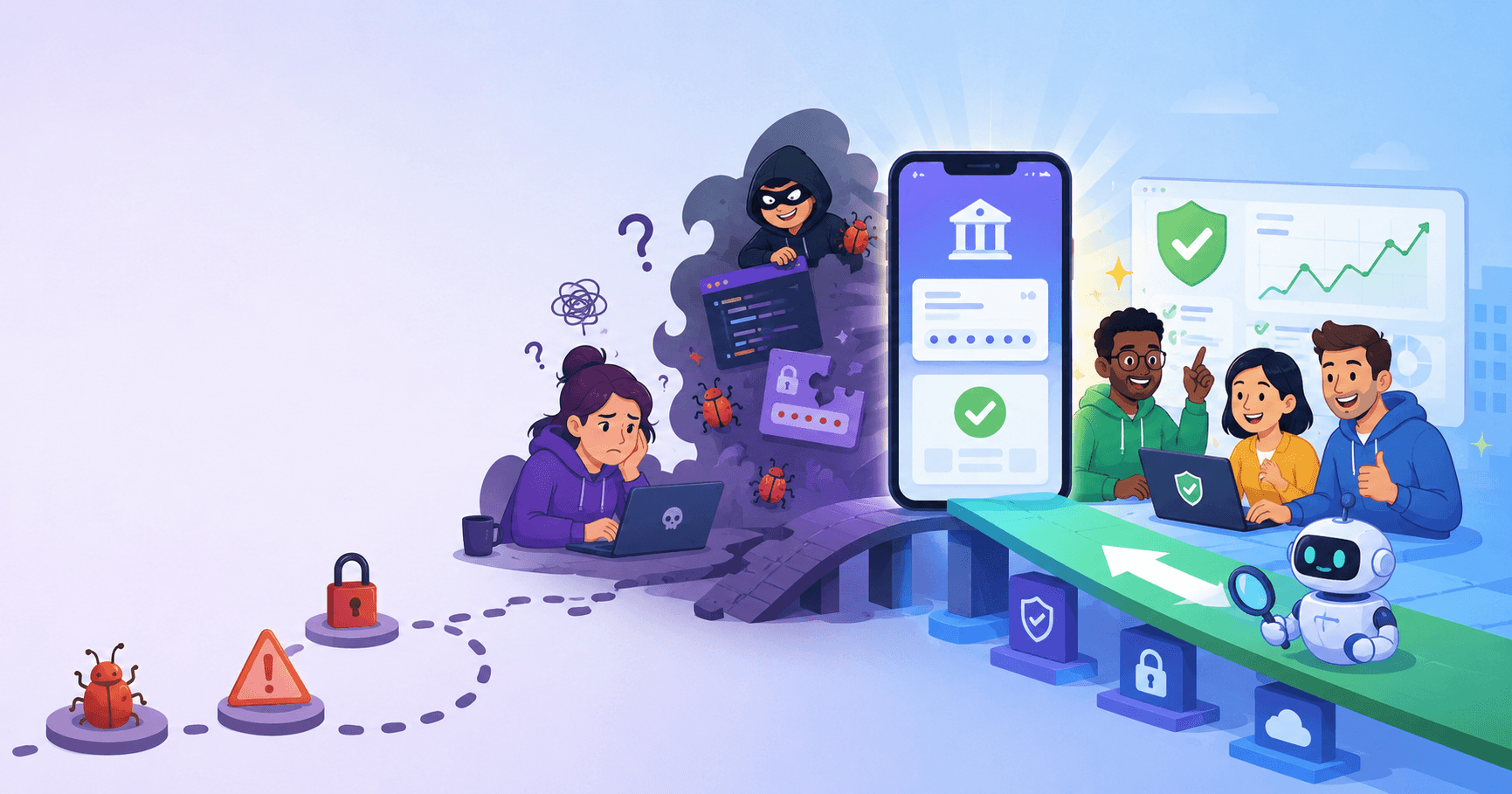
You just downloaded a mobile banking app. Where do you start testing it?
That question, or something very close to it, shows up in nearly every mobile security interview. And the answer reveals more about a candidate than any recitation of the OWASP Mobile Top 10 ever could. Interviewers already know the list. They want to see how you think through a real assessment.
Here is how to walk through it, layer by layer, the way a real assessment would go, with what interviewers are evaluating at each stage.
Before you touch the app: threat modeling
The first thing a strong candidate does is not open a tool. It is ask questions.
A banking app has a specific user base (including people on compromised devices), a specific regulatory environment (PCI DSS, financial privacy laws), and a specific set of adversaries (malware on the device, network attackers, reverse engineers hunting for API endpoints). An assessment that treats a banking app the same way as a fitness tracker has missed something important before a single test is run.
Interviewers are evaluating whether you can scope an assessment by risk. Which failures have the highest consequences? For a banking app, unauthorized fund transfers and credential theft are categorically different from minor information disclosure. Your testing time should be weighted accordingly.
A common mistake on real engagements: spending two days documenting a low-severity information leak in a debug endpoint while the app is storing authentication tokens in a plaintext database. Prioritization is a skill, and interviewers test for it.
Layer one: the binary itself
Static analysis comes first because it shapes everything that follows. You are trying to understand the app's architecture before you run it.
Pull the APK or IPA apart. Is it obfuscated? On Android, check whether ProGuard or R8 was applied. On iOS, check for symbol stripping. Obfuscation does not prevent reverse engineering, but it tells you something about the developer's security maturity.
Hunt for hardcoded secrets. API keys, internal endpoint URLs, and cryptographic keys appear in mobile binaries with depressing frequency. On Android, these often live in the resources or BuildConfig. On iOS, they end up in plist files or compiled into the binary. A hardcoded API key that grants access to backend services is a critical finding in a banking app.
Interviewers want to hear that you understand why this matters, not just that you know how to run strings on a binary. The secure coding principles that AppSec interviews test apply directly here: secrets do not belong in client-side code.
Layer two: local data storage
This is where platform differences matter most, and where interviewers probe to see if you have real hands-on experience.
On iOS, the Keychain provides hardware-backed secure storage with access control attributes that can bind keys to biometric authentication. The main iOS-specific concerns are Keychain items with overly permissive accessibility attributes (like kSecAttrAccessibleAlways, which persists even when the device is locked), data protection class misconfigurations on files, and the pasteboard. I have seen banking apps copy account numbers to the system pasteboard where any other app can read them.
On Android, the Keystore provides hardware-backed key storage on modern devices, but older Android versions and budget hardware often lack the backing. The bigger issue is that developers frequently store sensitive data outside the Keystore entirely: in SharedPreferences, SQLite databases, log files, or cache directories. The Android sandbox protects these from other apps on a non-rooted device, but the threat model for a banking app should include rooted and compromised devices.
When an interviewer asks "How would your approach differ between iOS and Android?", they are checking whether you understand these architectural differences or whether you are working from a single mental model. Platform-agnostic answers are a red flag.
Layer three: runtime behavior
Fire up Frida or a similar dynamic instrumentation tool and observe the app while it runs. Can you hook into authentication functions? Can you manipulate return values to bypass security checks?
The interesting interview question is not "can you bypass this?" but "what does a bypass require?" If certificate pinning can be defeated with a generic Frida script on a non-rooted device, that is a meaningful finding. If it requires root access and a custom hook, the exploitability is different. Context matters.
Does the app detect a rooted or jailbroken device? More importantly, does the detection actually do anything meaningful, or is it a cosmetic check that can be bypassed by hooking a single boolean function? Many banking apps implement "jailbreak detection" that amounts to checking for the existence of Cydia.app, which an attacker can trivially spoof.
Layer four: network communication
Intercept the traffic. Certificate pinning implementation quality varies enormously. Some implementations are trivially bypassed; others are robust. The goal is not to confirm that pinning exists but to understand whether it actually prevents a motivated attacker from intercepting traffic.
Beyond pinning, examine the API calls themselves. Are authentication tokens transmitted securely? Are there API endpoints that accept parameters the client never sends (hidden functionality)? Does the app validate server certificates correctly, or does it accept self-signed certificates in certain conditions?
For a banking app, also look at what happens during session management. Token refresh flows, session timeout behavior, and how the app handles backgrounding (does it clear sensitive data from memory?) are all fair game.
Reporting findings with context
One thing that separates experienced mobile assessors from beginners: how they communicate severity.
Take the SQLite token storage finding from earlier. On a non-rooted device, another app cannot read the banking app's database directly. The realistic attack paths are: a rooted device where sandbox isolation breaks down, physical access combined with USB backup extraction (check allowBackup in the Android manifest), or malware with root privileges.
For a banking app, the threat model includes all of these. So it is high severity, but the report should explain why, including the attack path and conditions required. "Sensitive data stored in plaintext" without that context produces a finding that development teams cannot prioritize. Understanding this nuance is similar to what IoT security assessors deal with when evaluating firmware.
The traps interviewers set
A few patterns that consistently cost candidates:
Treating OWASP Mobile Top 10 as a test plan. It is a taxonomy, not a methodology. Following it mechanically means you test for known categories while missing application-specific issues.
No threat model before testing. The same vulnerability has different severity in different contexts. Interviewers notice when you skip this step.
Bypassing a control and stopping there. Finding that certificate pinning can be bypassed is not a complete finding. The question is what preconditions the bypass requires and what that means for realistic risk. This kind of nuanced thinking is what separates strong candidates from weak ones across all security domains.
Identical iOS and Android answers. If you describe exactly the same approach for both platforms, you are either leaving platform-specific issues on the table or signaling that you have not done much real mobile work.
Mobile security questions on MyKareer cover iOS, Android, and the platform-specific traps interviewers set. Try them.